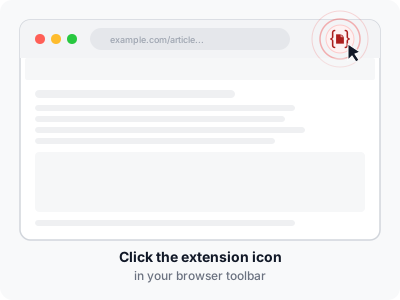
Click the icon
Click the Article to PDF icon on any webpage. Choose Quick save PDF to save without a preview, or Preview & edit to check and edit the article first.

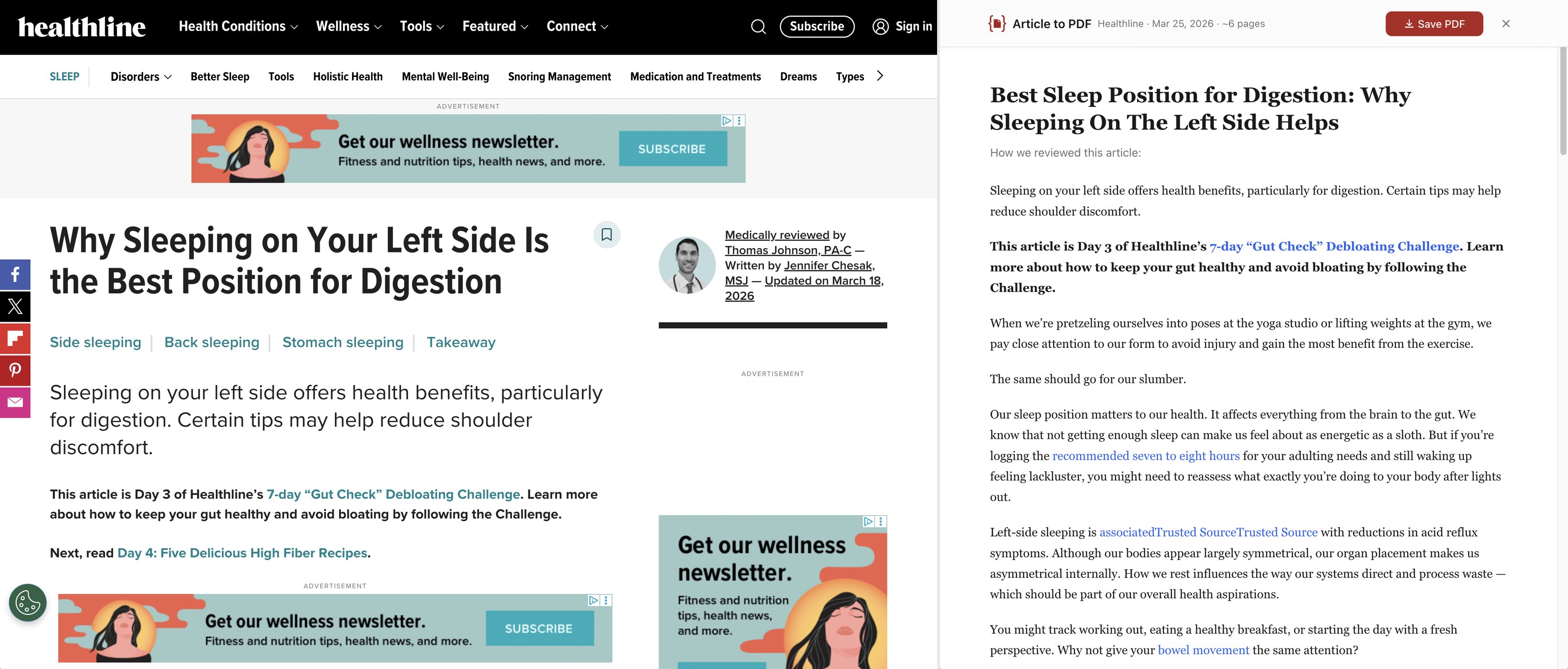
Article to PDF strips away ads, navigation, and clutter — leaving you with a beautifully formatted, searchable PDF. Works entirely in your browser. No account needed.
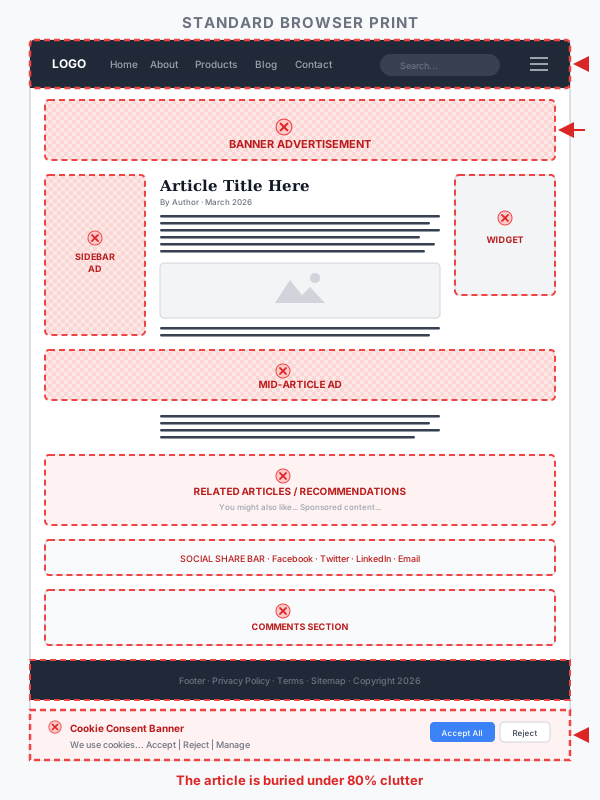
You hit Ctrl+P and get 12 pages of ads, navigation menus, cookie banners, and broken formatting. The article you actually wanted is buried somewhere on page three.
You shouldn't need to screenshot, crop, and stitch together a readable document in 2026.
Simple workflow
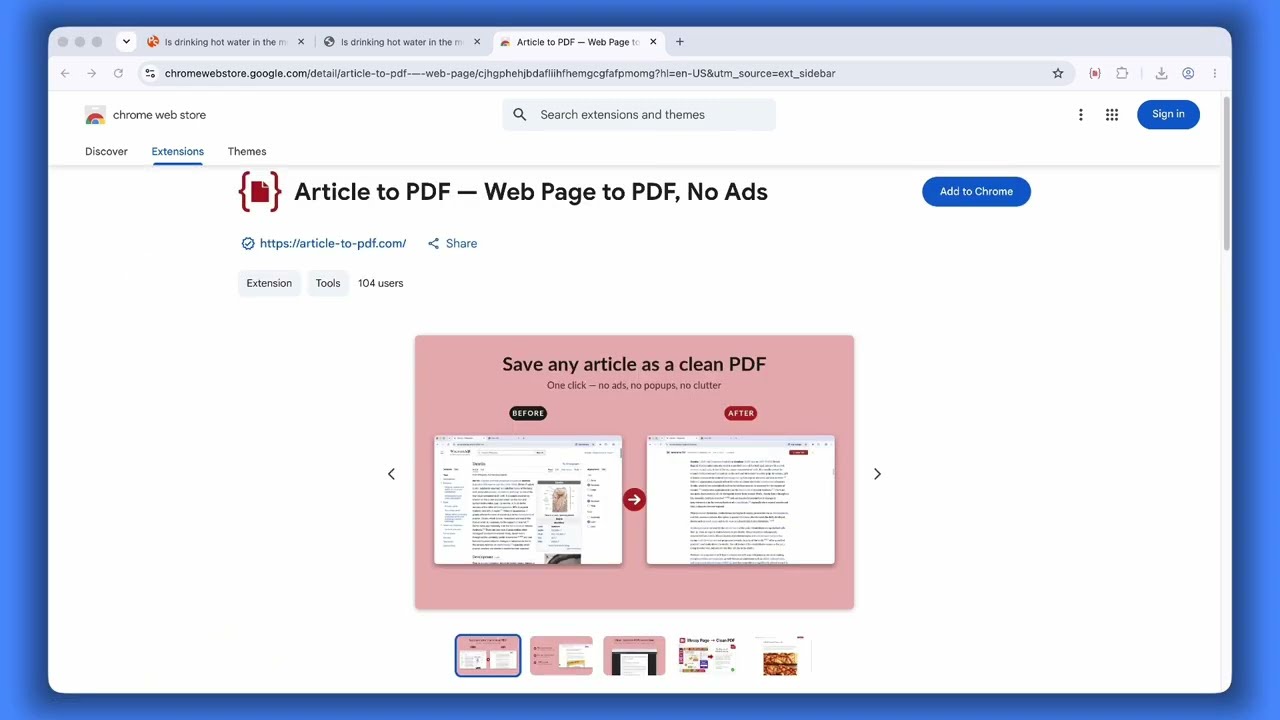
See Article to PDF in action, then try it on your next article.
Click the Article to PDF icon on any webpage. Choose Quick save PDF to save without a preview, or Preview & edit to check and edit the article first.
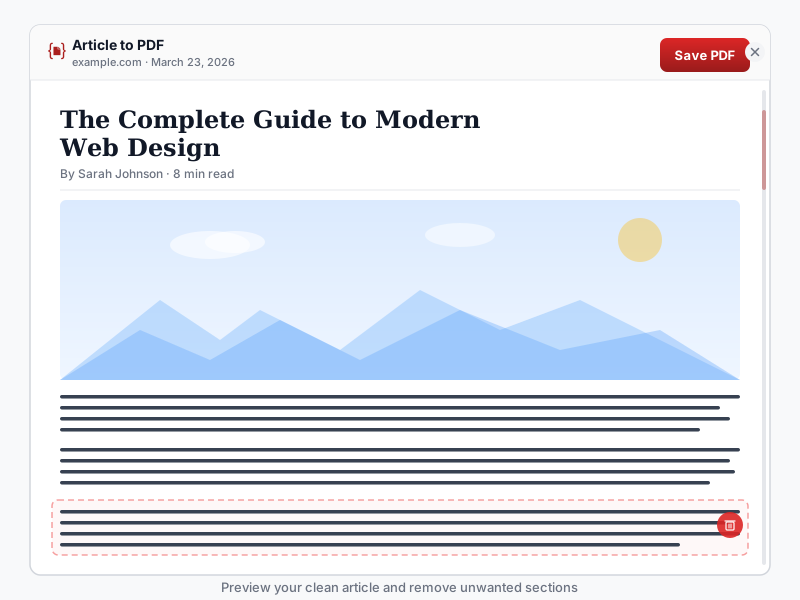
See the cleaned article in a full-page overlay. Remove any section you don't need — just hover and click the delete button. Source URL and date are preserved automatically.
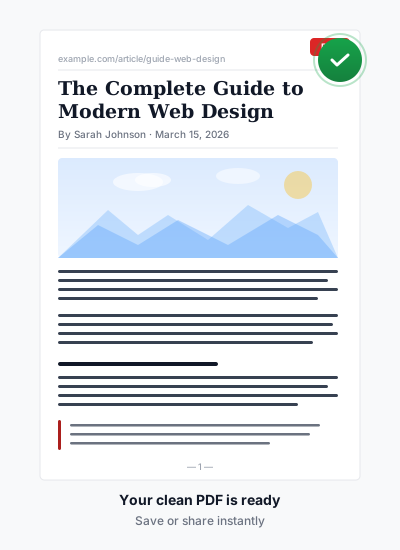
Hit "Save PDF" and get a searchable document with working links, smart page breaks, and no cut-off images. Done.
Why Article to PDF
The extension automatically extracts only the article content. No manual selection, no fiddling with print settings.
Select text, Ctrl+F to search, click links. Your PDF is a proper document — not a stitched-together image.
CSS print rules keep images, tables, code blocks, and headings intact across page boundaries.
Everything runs in your browser. Paywalled articles, internal docs, authenticated pages — if you can see it, you can save it.
Your articles and PDFs are never uploaded. No account, no tracking. Pro licenses are stored in your browser and verified with our payment provider.
Every PDF includes the source URL and save date — right in the document. No more mystery files in your Downloads folder.
Use cases
Save research papers and lecture notes as clean PDFs. Source URL included — perfect for citations.
Archive reports, documentation, and internal pages. Works behind corporate logins.
Finally save recipes without the life story, pop-up ads, and auto-playing videos. Just the ingredients and steps.
Blog posts, news articles, tutorials — save what you read, not what surrounds it.
Pricing
Short articles save completely free — forever. Pro unlocks full multi-page export and Quick Save.
All Pro features, including Quick Save, are currently free to celebrate our launch. The plans below are for after launch; no card is needed now.
Free
$0
forever
Pro Yearly
$19.99 / year
$1.67/mo — save 67% vs monthly
Pro Monthly
$4.99 / month
Pro Lifetime
$39.99
One-time payment. Yours forever.
FAQ
During launch, all features are free, including Quick Save. After launch, Free gives you full functionality for articles that fit on a single PDF page — which covers most recipes, short blog posts, and quick references. For longer articles (research papers, in-depth reports, multi-section tutorials), Free saves the first page. Pro saves the complete article, no matter how long, and includes Quick Save.
During launch, all features are free without a card. After launch, choose the Yearly plan and try Pro for 3 days at no cost. You'll need to enter payment details — if you don't cancel within 3 days, you'll be charged $19.99 for the year. Cancel anytime in one click through your billing portal.
Article processing runs in your browser. Your articles and PDFs are never uploaded. No account, no tracking. If you use a Pro license, we store it in your browser and verify it with our payment provider. Optional feedback is always your choice.
Yes. The extension processes whatever is loaded in your browser tab. If you're logged in and can see the content, Article to PDF can extract and save it. Unlike server-based alternatives, we don't need to re-fetch the page.
Yes — it is the same extension, published on Microsoft Edge Add-ons as well as the Chrome Web Store. Open this page in Edge and the install button points at the Edge listing; you can also pick either store yourself from the arrow beside the button. Brave, Opera, Vivaldi and other Chromium browsers install from the Chrome Web Store. Firefox and Safari are not supported.
Chrome's built-in print captures everything on the page — ads, navigation, cookie banners, sidebars. Article to PDF extracts only the article content, formats it for clean reading, and applies smart page break rules so images and tables are never cut in half.
Any site with readable article content — news sites, blogs, documentation, recipes, research papers, forums. The extraction engine is the same one that powers Firefox's built-in Reader View. It won't work on pages that are entirely dynamic (single-page apps with no article content) or empty pages.
Yes. If Pro isn't for you, email us at support@article-to-pdf.com within 14 days for a full refund, no questions asked.


